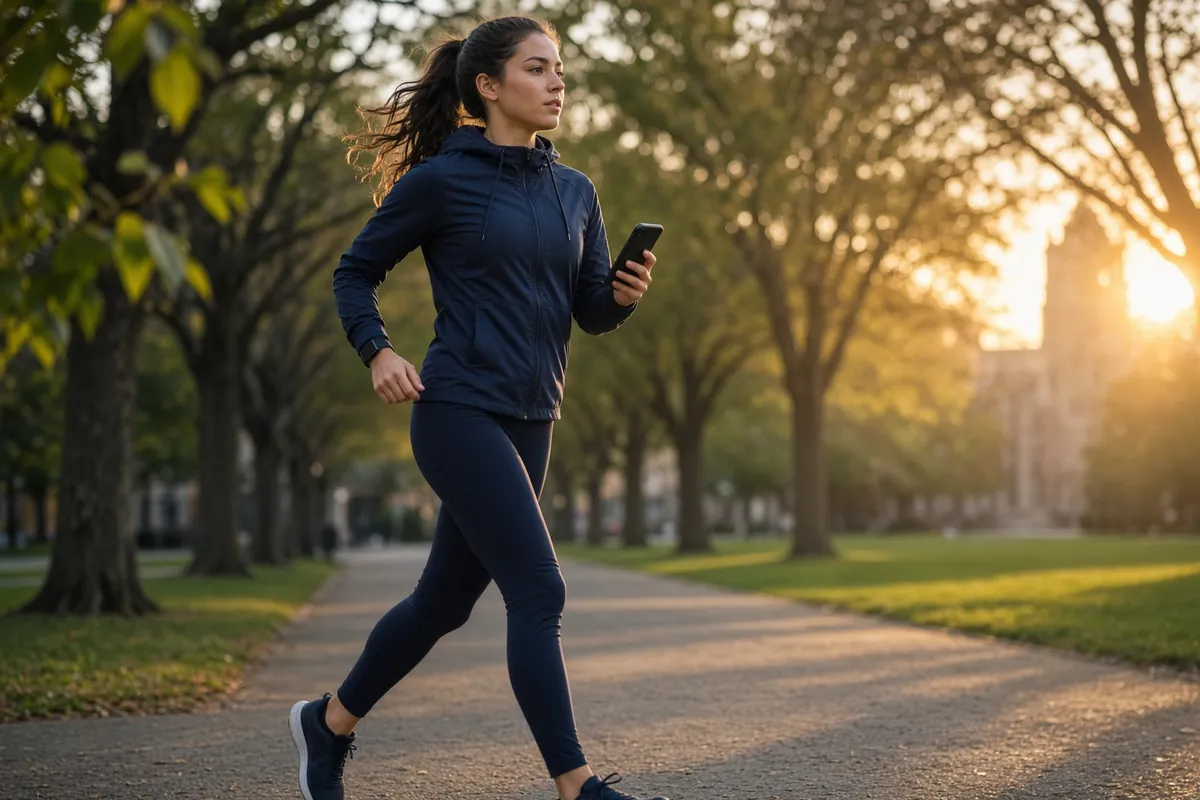
Walking is the easiest activity course to move online. Students already walk where they live, the equipment is a pair of shoes, and the health payoff is well documented. An asynchronous section still needs what a live class supplies through its meetings: pacing, feedback, accountability, and the feeling of being part of a group.
This guide covers the teaching side of an asynchronous walking class. It gives you a weekly rhythm students can follow without a meeting, ways to coach intensity from a distance, an activity record you can grade with confidence, a remote version of the Rockport walk test, and ideas for building a class community when nobody walks together. For a full course plan with outcomes, a grading breakdown, and a 16-week schedule, pair it with our walking for fitness syllabus template.
How to teach an asynchronous walking class
- Publish the same weekly rhythm every week: a short lesson on Monday, a walking target for the week, and a reflection due Sunday.
- Teach intensity with tools students carry: heart rate, the talk test, and perceived exertion.
- Grade activity from device data that syncs automatically, scored on a published weekly scale.
- Run the Rockport 1-mile walk test at home at the start and end of the term.
- Build community with a shared class goal, short video check-ins, and visible progress.
A Weekly Rhythm Students Can Follow Alone
Asynchronous students succeed when every week looks the same. They should never wonder what is due or where to find it. Publish one predictable cycle and repeat it for the whole term:
| When | Student task | Instructor task |
|---|---|---|
| Monday | Watch a 5 to 10 minute lesson and read the week's walking target | Post the lesson and a short announcement |
| Monday to Sunday | Walk toward the weekly target; the device records each day | Check the sync report once and contact anyone missing |
| Midweek | Glance at progress toward the week's target | Reply to questions and share one class highlight |
| Sunday | Submit a short reflection tied to this week's walks | Weekly activity scores calculate automatically |
Keep lessons short and practical. A walker who learns about arm swing on Monday can try it on Tuesday, which makes the lesson stick. Topics that work well in this format include posture and stride, measuring intensity, interval walking, hills and stairs, footwear and blister prevention, hydration, walking in heat and cold, and building a plan for life after the course.
The First Week Decides the Semester
Most problems in an asynchronous walking class start in week one, when a student never connects a device or never logs in again. Treat the first week as setup and make it impossible to miss:
- A two-minute welcome video from you, so students know a real person runs the class.
- One checklist with three items: complete the health screening questionnaire, connect a phone or tracker, and post a short introduction.
- A syllabus quiz that students can retake until they score 100 percent, so they learn the rules without fear.
- A personal email on day five to anyone who has not connected a device yet.
Count week one as a baseline week with no activity target. Students record a normal week, and you both learn where they are starting.
Coaching Intensity From a Distance
Online walkers drift toward a stroll. Teach three ways to check intensity in the first lessons, and refer back to them all term:
- Heart rate. Moderate intensity falls around 64 to 76 percent of estimated maximum heart rate. A wearable shows it live, and a 15-second pulse count works for students without one.
- The talk test. At a moderate pace, students breathe harder and can still speak in full sentences.
- Perceived exertion. On the Borg 6 to 20 scale, moderate effort sits around 12 to 14, which most students call somewhat hard.
Active minutes give you a built-in intensity signal. Many trackers count a minute as active only when the pace or heart rate reaches a moderate level, so a weekly minutes target rewards purposeful walking automatically. Students who walk a lot at a slow pace still earn credit through steps if your scale awards the higher of the two.
Verifying Activity You Never See
A typed walking log asks you to trust a student's memory. A phone or wearable records each walk as it happens, with a date on every day. Grading from device data gives an asynchronous class the accountability a live class gets from attendance.
A workable weekly rule scores each student's best five days, awarding full credit for an average of 10,000 steps a day or 100 active minutes a week, whichever is higher. Build up to it gradually, as the walking syllabus template does, and set individual targets in writing for students with a documented limitation. Our article on automated fitness tracking explains the full pipeline from wrist to gradebook.
Keep a reflection alongside the data. A short Sunday entry that refers to the week's actual walks, such as the hardest day to fit one in, shows understanding and makes copying another student's work pointless.
Running the Rockport Walk Test Remotely
The Rockport 1-mile walk test fits an asynchronous walking class perfectly, because it is a walking test. Give students written steps and a short demonstration video:
- Find a measured mile: a school track is four laps, and a phone's GPS works on a flat path.
- Warm up for five minutes, then walk the mile as fast as possible without running.
- Record the time in minutes and seconds.
- Immediately count the pulse for 15 seconds and multiply by four, or read heart rate from a wearable.
- Enter the time and heart rate, and the formula estimates VO2max from time, heart rate, age, weight, and sex.
Run the pre-test in the first two weeks and the post-test near the end of the term, on the same route if possible. Grade both on honest completion. Our pre and post fitness testing protocol covers growth scoring and keeping both rounds comparable.
Building a Class That Never Meets
Walking alone for a grade gets old by week six. Give students reasons to feel part of a group:
- A shared class goal. Combine everyone's steps into a virtual journey along a real trail, such as the Camino de Santiago or Hadrian's Wall, with milestones the class reaches together.
- Route sharing. A discussion thread where students post a favorite route or a photo from a walk builds connection with almost no grading load.
- Recognition for consistency. Celebrate the students who walked five days in a row or improved the most, so consistency and improvement earn recognition alongside speed.
- Optional walking partners. Students who live near each other can opt in to walk together and log the walk on their own devices.
Feedback That Scales to Large Sections
An asynchronous section of 60 students still needs to feel seen. Let automation handle the routine messages, and spend your time on the personal ones:
- Automatic reminders reach students with no recorded activity for several days.
- Students see their weekly progress update as they walk, which answers the most common question before they ask it.
- Each week, write two or three personal notes to students who improved, slipped, or hit a milestone.
- Comment on a sample of reflections each week, rotating through the roster across the term.
Accessibility, Safety, and Weather
Asynchronous walking classes enroll students with every kind of schedule and body. Plan for them in the syllabus:
- Health screening. Require the PAR-Q before the first assessment, and direct students who answer yes to any question to a health care provider.
- Adapted targets. Students with a medical condition or disability complete the same assignments with individual targets agreed in writing, such as an active-minutes goal for a student who cannot walk long distances.
- Weather and safety. Publish indoor options such as a mall, a gym track, or walking in place during a video, and remind students to walk in well-lit, familiar areas.
- Device access. A phone in a pocket is enough. Students who want a wearable can use any tracker that syncs to Google Health or Apple Health.
Where eFit Fits
eFit runs the logistics of an asynchronous walking class. Activity syncs from phones and trackers through Google Health or Apple Health and scores against your weekly scale, with best-five-days scoring and the higher of steps or minutes. The class Walking Journey turns everyone's steps into progress along a famous trail in a map or 3D view. Students enter their Rockport walk test results and eFit calculates VO2max and pre and post change. Reminder emails, milestone badges, and a certificate for finishing at 70 percent or higher keep students engaged, and grades export as a CSV for D2L, Canvas, or Blackboard.
Faculty accounts are free, and student access is $59 per semester. The online walking class page shows how a walking section runs on eFit.
Walk the Camino with your class
The free demo opens a populated course with weekly activity grades, a Walking Journey in progress, and fitness assessments. No account required.
Try the free demoKey Takeaways
- Repeat one weekly rhythm all term: Monday lesson, a week of walking, Sunday reflection.
- Make week one a setup and baseline week, and personally contact anyone who has not connected.
- Teach intensity three ways, and use active minutes to reward purposeful walking.
- Grade from device data on a published weekly scale, paired with a short reflection.
- Give the class a shared goal so every walk feels like part of something bigger.
Frequently Asked Questions
What is an asynchronous walking class?
An asynchronous walking class is a fully online physical activity course with no scheduled meetings. Students watch short lessons, walk on their own schedule, and submit reflections, while a phone or fitness tracker records their activity for the weekly grade.
How do you grade an online walking class?
Combine device-recorded weekly activity with fitness assessments, reflections, quizzes, and a personal walking plan. A common activity rule scores the best five days of each week and awards full credit for 10,000 steps a day or 100 active minutes a week, whichever is higher.
How do you know students in an online walking class actually walked?
Use activity recorded automatically by a smartphone or wearable through Google Health or Apple Health, which creates a dated record for every day. Pair it with weekly reflections about specific walks and a syllabus rule that only the student's own device counts.
What fitness test works best for an online walking class?
The Rockport 1-mile walk test. Students walk a measured mile as fast as possible without running, record the time and finishing heart rate, and the formula estimates VO2max. Students can complete it at home at the start and end of the term.
How do you build community in an asynchronous walking class?
Give the class a shared goal, such as a virtual journey along a famous trail powered by everyone's steps. Add a route-sharing discussion, recognize consistency and improvement, and let nearby students opt in to walk together.
An asynchronous walking class works when students know exactly what each week asks of them and can see their own progress every day. Build that structure once, and the walking does the rest.

Tim Mousel, M.S.
Tim Mousel, M.S., is a full-time faculty member in the Kinesiology department at Lone Star College-CyFair, chair of the Lone Star College System-Wide AI Task Force, and a TEDx speaker. He has taught in higher education since 1993, built eFit Software in his own classroom, and reviews every article on this blog.
How we write and check articles. Spotted an error? Send a correction.