Automate your
PE grading.
Automate activity grading for your PE, kinesiology and wellness courses. Students track with the phone they already carry, learn with 12 interactive 3D labs, and you export scores to your LMS gradebook.
Free for faculty and institutions.
Students: $59 per student, per semester. View pricing details.
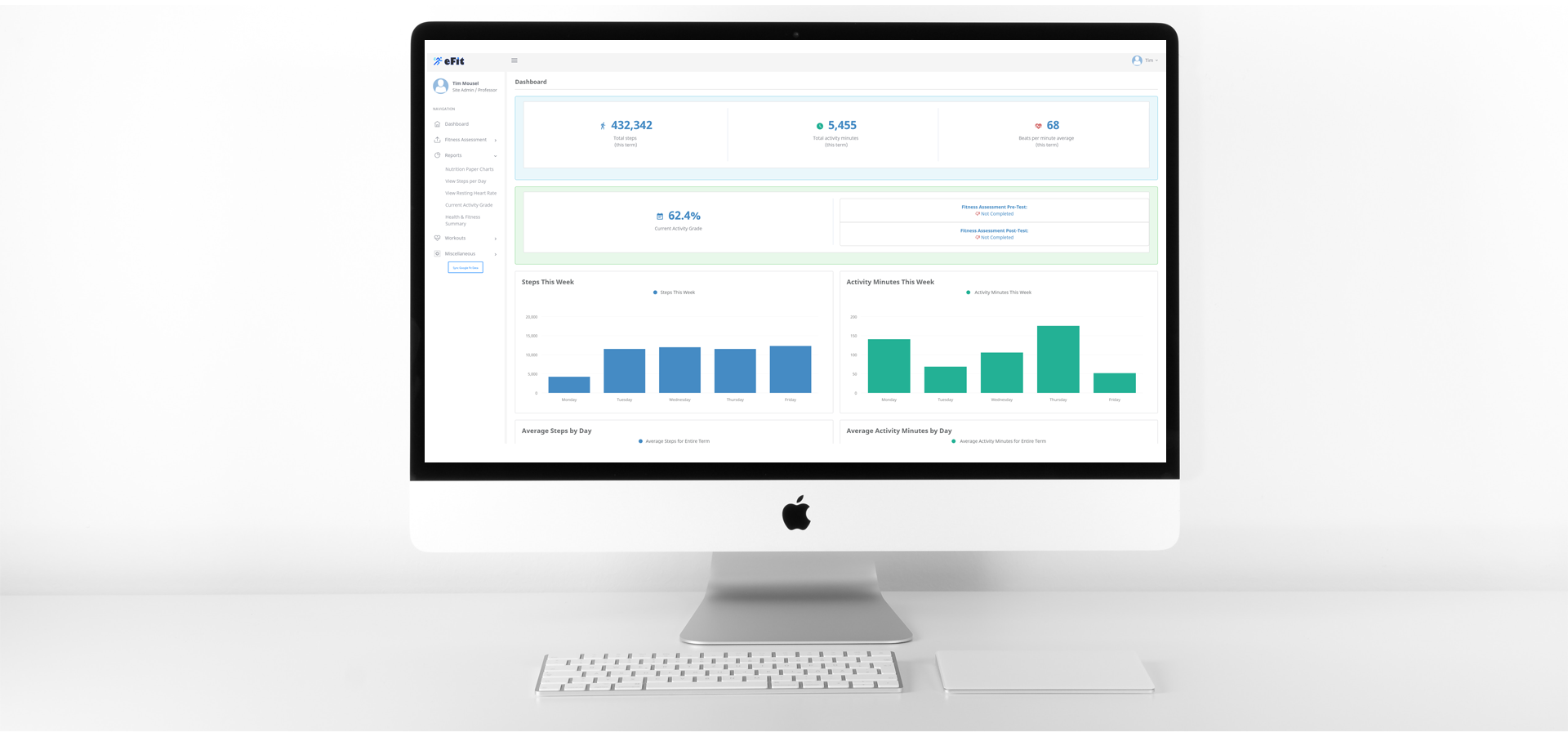
eFit courses in the past 12 months ran at
- Lone Star College
- University of Houston-Downtown
- College of the Mainland
- Elizabeth City State University
- Virtual Prince William
- New Day Charter School
Their Steps Become Grades, Automatically
Students connect their phone or wearable through Google Health. eFit uses the shared data to calculate grades against your course goals.
Activity Tracker
Students record activity with the phone they already carry, or with a Fitbit or other wearable.
Google Health
Students connect Google Health to eFit and authorize the activity and nutrition data they share.
eFit
eFit turns activity and nutrition into grades and reports automatically.
eFit is Google API Verified (CASA Tier 2) to securely access student health & fitness data.
A Complete Health and Fitness Course, With 12 Interactive 3D Labs
Eight eBook modules, revised in September 2026 against current research. Each one comes with interactive labs, a narrated summary video, audio narration and a slide deck.
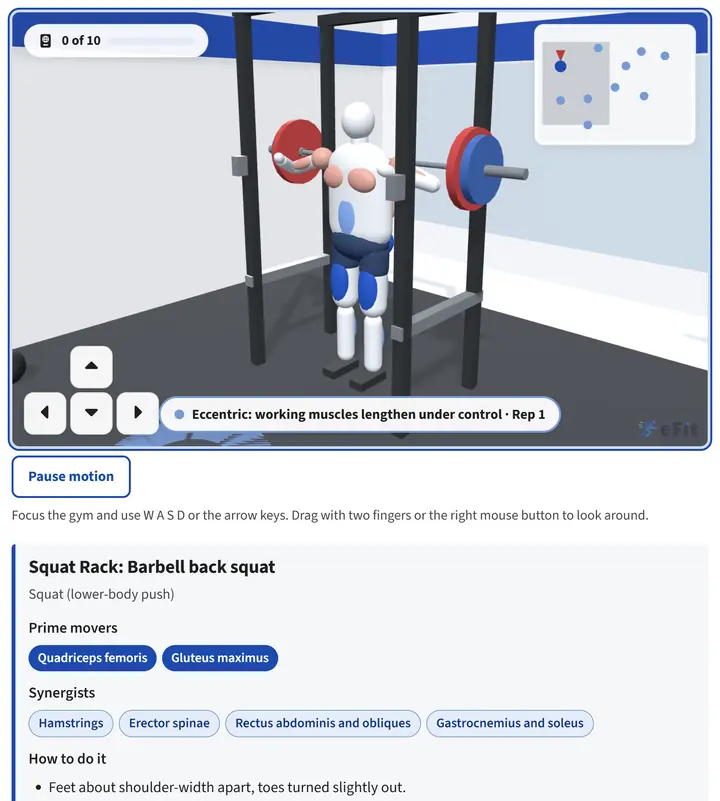
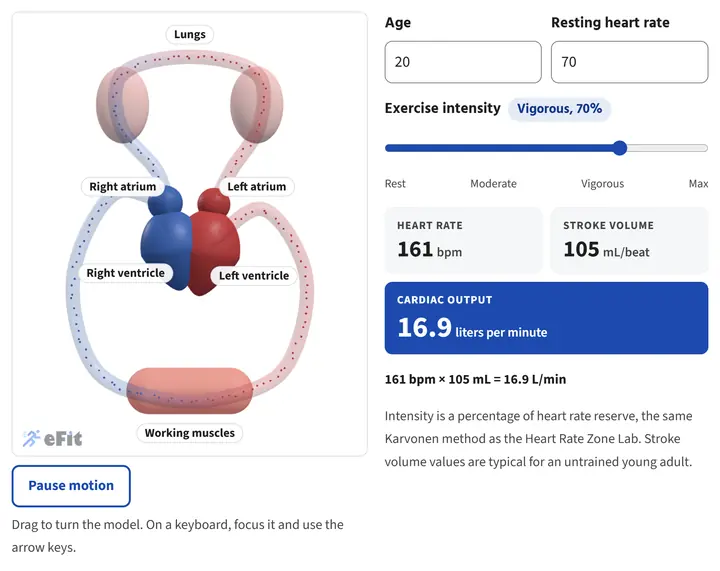
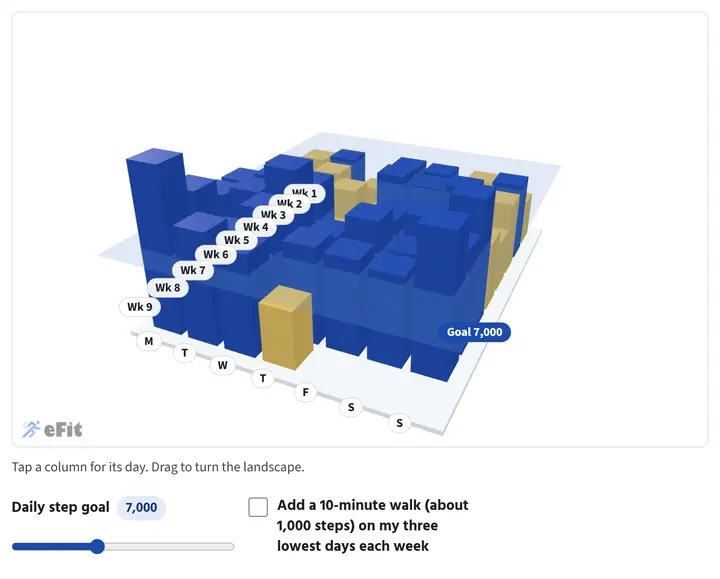
All 12 labs: The Wellness Orb, Your Heart at Every Intensity, Heart Rate Zone Lab, Your Steps as a Landscape, Muscles and the Exercises That Train Them, eFit Gym, Build a Plate, The Energy Balance Machine, Range of Motion, Text Neck, Artery Time-Lapse, and Stress Response and Box Breathing.
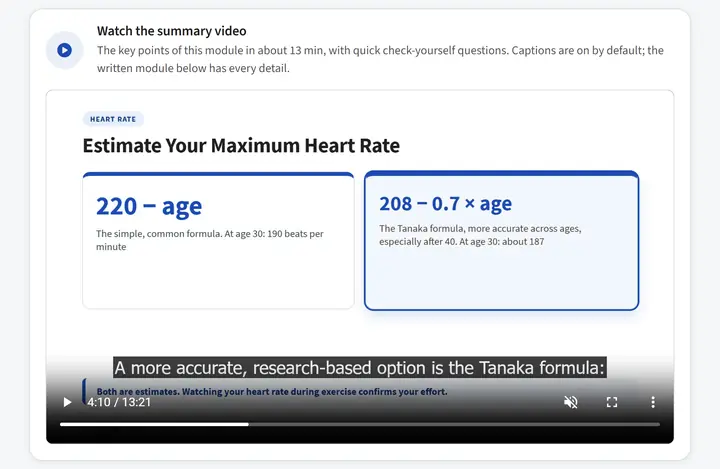
A narrated video for every module
Ten to fourteen minutes of animated slides, captions on by default, and three check-yourself questions per module.
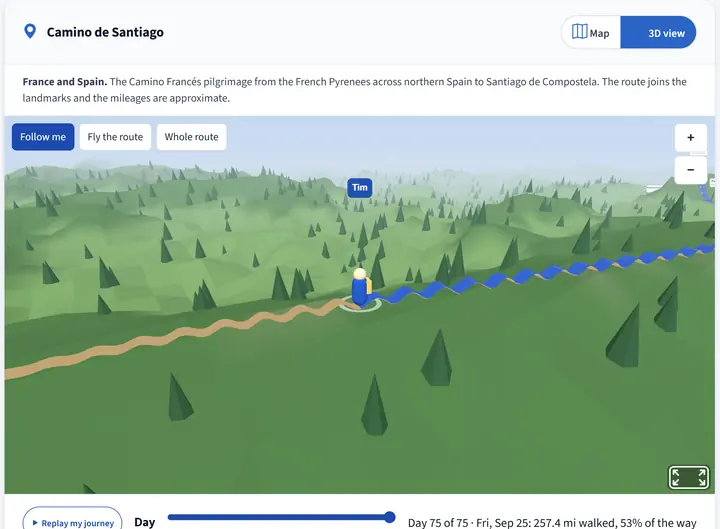
Walk a famous trail as a class
The Appalachian Trail, Hadrian's Wall, the Camino de Santiago and more, sized to your step goal, in a map or 3D view. See Walking Journey.
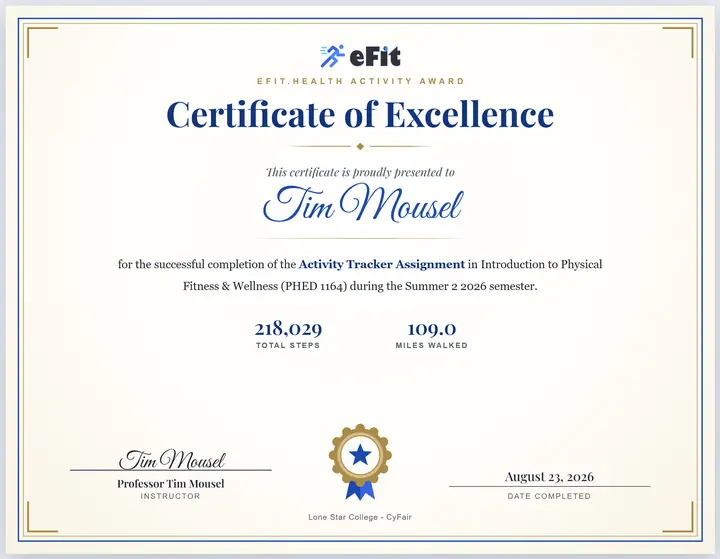
A certificate students work toward
Students who finish the Activity Tracker at 70% or higher earn a printable certificate, with a progress page that shows what each remaining week needs.
A clear path from setup to final grades
Use your course goals. Give students a clear view of their progress. Keep your existing LMS gradebook.
- 01 / Set your course goals
Make it your course
Choose activity goals and grading criteria. Our team helps with onboarding and a sample syllabus.
- 02 / Follow student progress
Know who needs support
Review activity, fitness assessments, and progress together throughout the semester.
- 03 / Export your scores
Finish in your LMS
Download a CSV of grades to import into D2L, Canvas, Blackboard, or Moodle.
Estimate Your Grading Workload
Enter your teaching load to estimate the manual work eFit can help streamline.
Estimate assumes a 16-week semester: 1.5 minutes grading, 0.5 minutes entering scores, and 0.25 minutes following up per student each week, plus two 4-minute fitness assessments. Time value uses your hourly rate; work weeks use 40 hours. Actual time saved varies.
Your Annual Estimate
Manual workload that automation can help reduce
Estimated Annual Workload
- Activity log review: 240 hrs
- Grade entry: 80 hrs
- Fitness assessments: 80 hrs
- Student follow-up: 40 hrs
Everything You Need to Modernize PE and Wellness Courses
Purpose-built for physical education, kinesiology and health and wellness faculty.
Automatic Activity Grading
Grades calculate from steps, activity minutes, and goals, then export as a CSV that imports into your LMS gradebook.
Explore activity gradingFitness Assessments
Track pre/post pushups, crunches, the 1-mile walk, VO2 Max, and BMI with automatic improvement scoring.
Explore fitness assessmentsNutrition Tracking
Nutrition flows in through Google Health, generating food logs, charts, and a graded meal-plan assignment.
AI-Powered Workouts
Personalized workout plans generated from each student's goals, level, and preferences.
Walking Journey
Your class walks a famous trail or a route you map, sized to the step goal. Students follow along on a map or in 3D, and every new course gets a journey automatically.
Explore Walking JourneyInteractive 3D Labs
Twelve labs inside the eBook, from a beating heart to a walkable gym. Each one asks students to predict, then check, and runs on a phone.
Explore the 3D labsProgress Students Can See
The dashboard shows the steps and minutes left to the next grade, a four-week habit grid, and a certificate progress page.
Tools for Busy Instructors
Refresh a class's data with Class Sync, credit activity you observe, approve self-reported workouts, and see who has stopped syncing.
PocketAI Journal
Integrated AI journaling brings student well-being alongside physical activity in one FERPA-safe platform.
Explore PocketAI JournalFaculty and Students Both Win
For Faculty
- Automated activity grading that does the math for you
- Pre/post fitness assessment tracking and comparison
- CSV grade export that imports into D2L, Canvas, Blackboard, Moodle
- Data to justify your program to administrators
- Automatic email reminders sent to students
- A ready-to-teach course: eBook, slide decks and module videos
- Free for faculty, with no cost to your institution
For Students
- Plain-language health and fitness summaries
- Personalized AI workouts with videos
- Real-time grade visibility and progress tracking
- Track activity with just a phone, no wearable required
- Interactive eBook with 12 3D labs, audio and summary videos
- A walking journey on a famous trail, and a certificate to earn
- Accessible and ADA compliant
Team fitness challenges for workplaces and communities
The automatic step tracking behind eFit courses now runs team fitness challenges for employers, hospital wellness programs, churches, campuses and neighborhoods. Participants connect their phones once, activity syncs every day, and organizers see participation and scores without collecting a single form.
- Steps and active minutes sync through Google Health, with no weekly step forms
- Everyone works toward a goal they can reach, so the whole group can finish
- Walking Journey maps, badges and an opt-in leaderboard keep people coming back
- Participation and score reports organizers can share with leadership
What Professors Are Saying
"eFit allowed my physiology students to put what they're learning into practice and see their own physiology at work. The service getting my course set up was top notch."

"The eFit Software has been a tremendous addition to my activity classes. The registration process, technical support, and automated activity grading have been awesome and top notch."

"eFit has helped keep my students accountable, letting them see their activity on a regular basis and set personal fitness goals. The help and support made it easy to work out any issues."

A Small Team That Has Your Back
Educators and programmers who built eFit in a real classroom. You'll work directly with us from setup through the end of the semester.

Built eFit in his own kinesiology classroom and personally helps every professor get set up.

Walks new faculty through onboarding and makes sure your first semester runs smoothly.
What Does eFit Cost Your Department?
eFit is free for you and your institution. Faculty access and onboarding are included. Students pay $59 per student, per semester and get every feature: automated grading, fitness assessments, AI workouts, nutrition tracking, the interactive eBook with 12 3D labs, and narrated module videos.